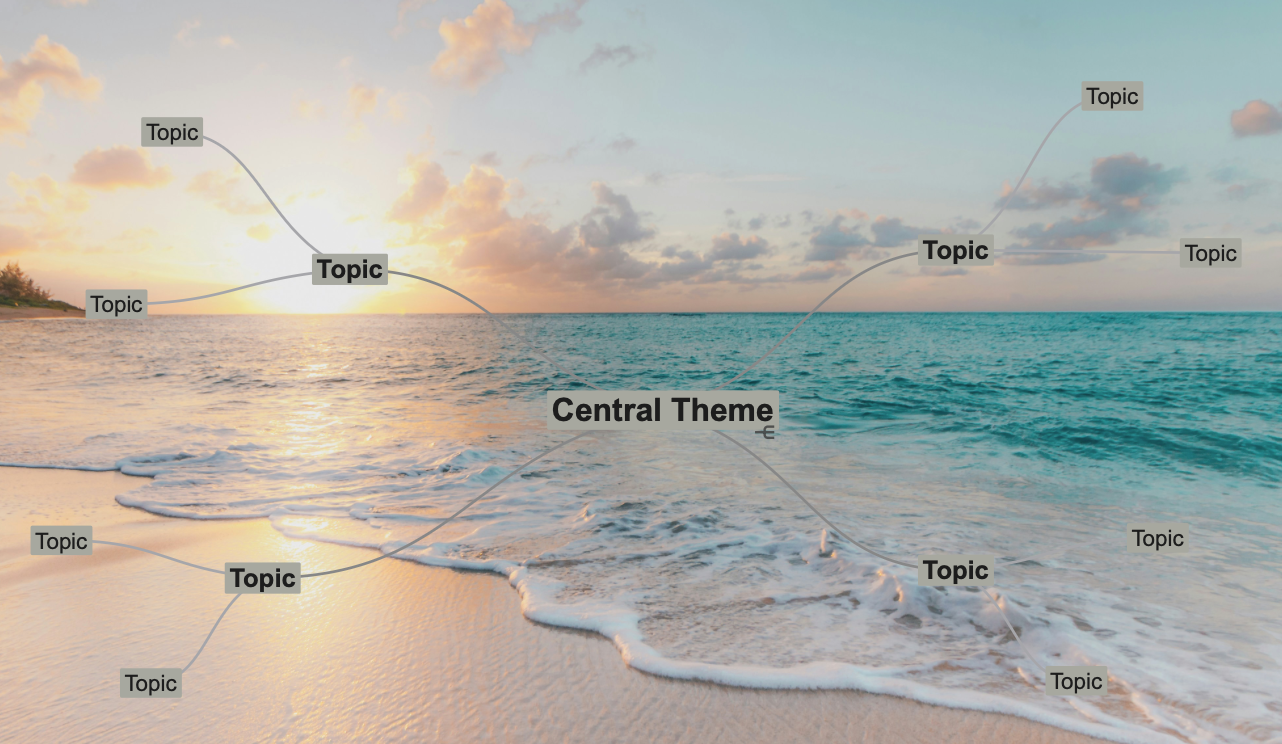
How to add a Background pattern or image
Select from the menu (Style) “Mind Map Style” to show Mind Map Style. Next select the “Pattern” button to choose an image or pattern.

Adding a custom pattern or image
You can add your own background images or patterns.
Images under 1024×1024 pixels repeat
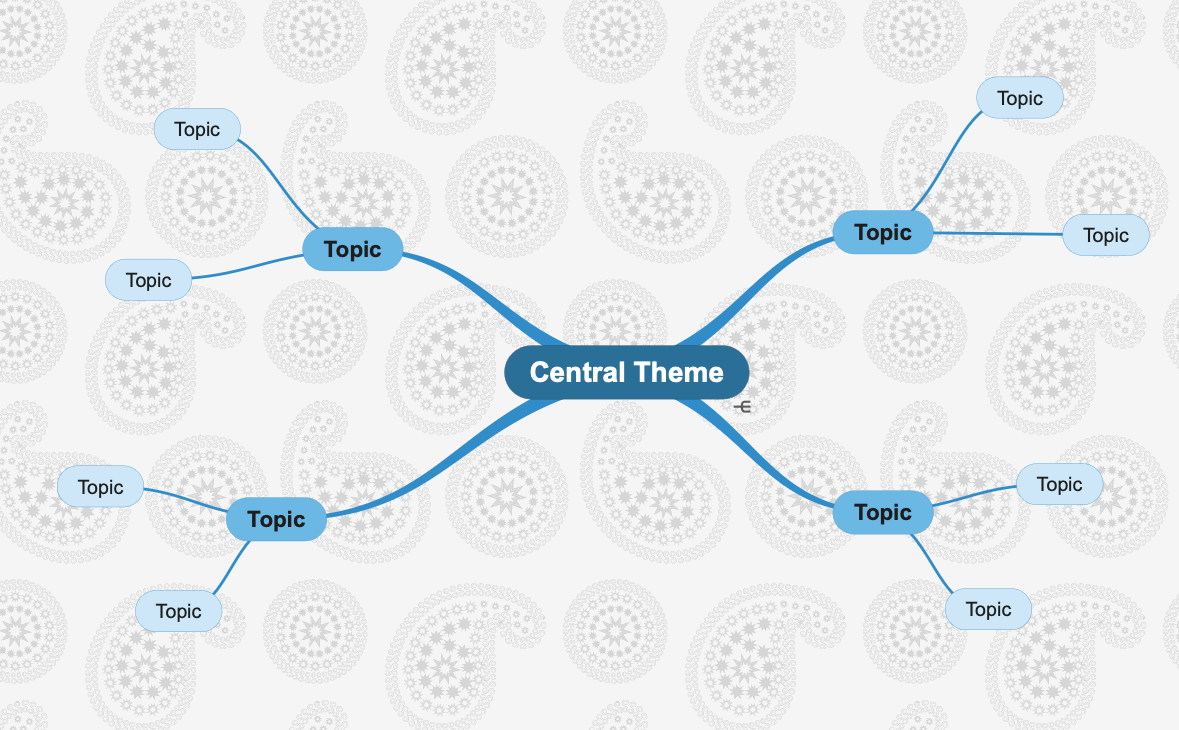
Larger images scale to fit your canvas.
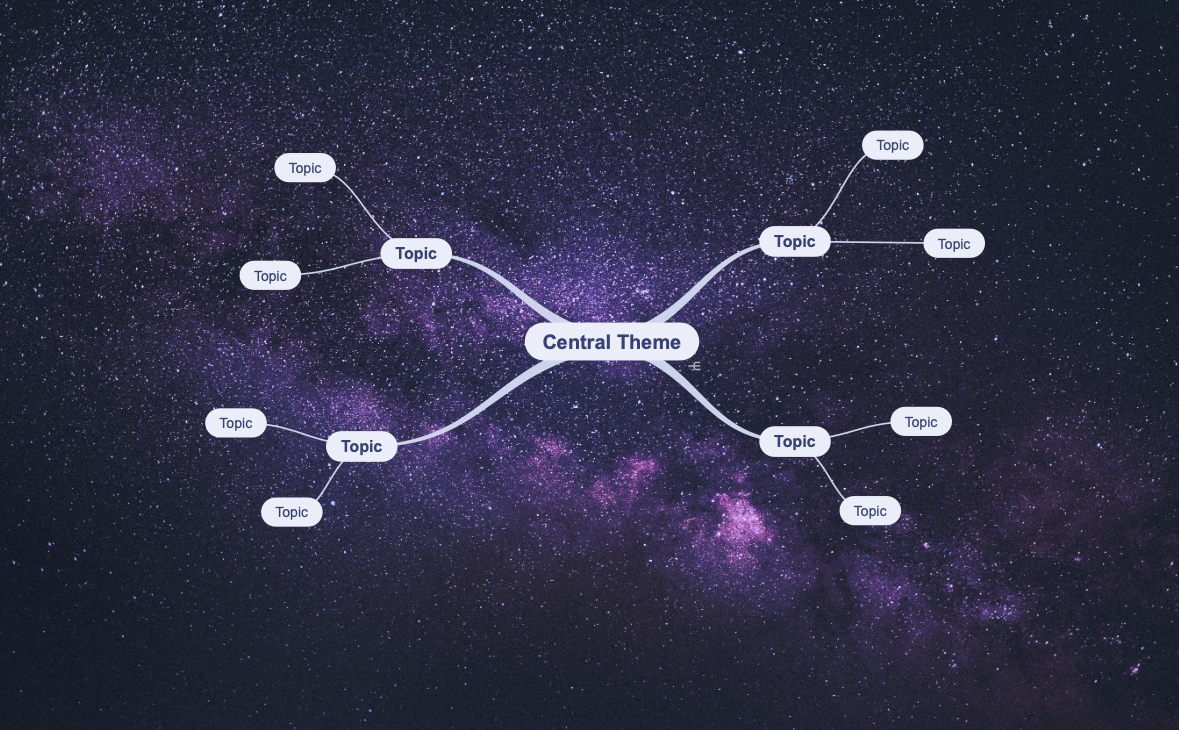
- Select from the menu (Style) “Mind Map Style” to show Mind Map Style.
- In Background select the “Pattern” button.
- Select an existing image or pattern.
Or use the + button to first add a new image. - SimpleMind will add the image, this may take some time.
Looking for patterns? You will find some great repeating patterns on this external page: https://www.toptal.com/designers/subtlepatterns/
Contrast
When using a background, you still want your topics to be readable. That is why SimpleMind determines the overall background color and uses this if a topic doesn’t have a border. For example, this is the stylesheet Compact Grey Scale with a white background.
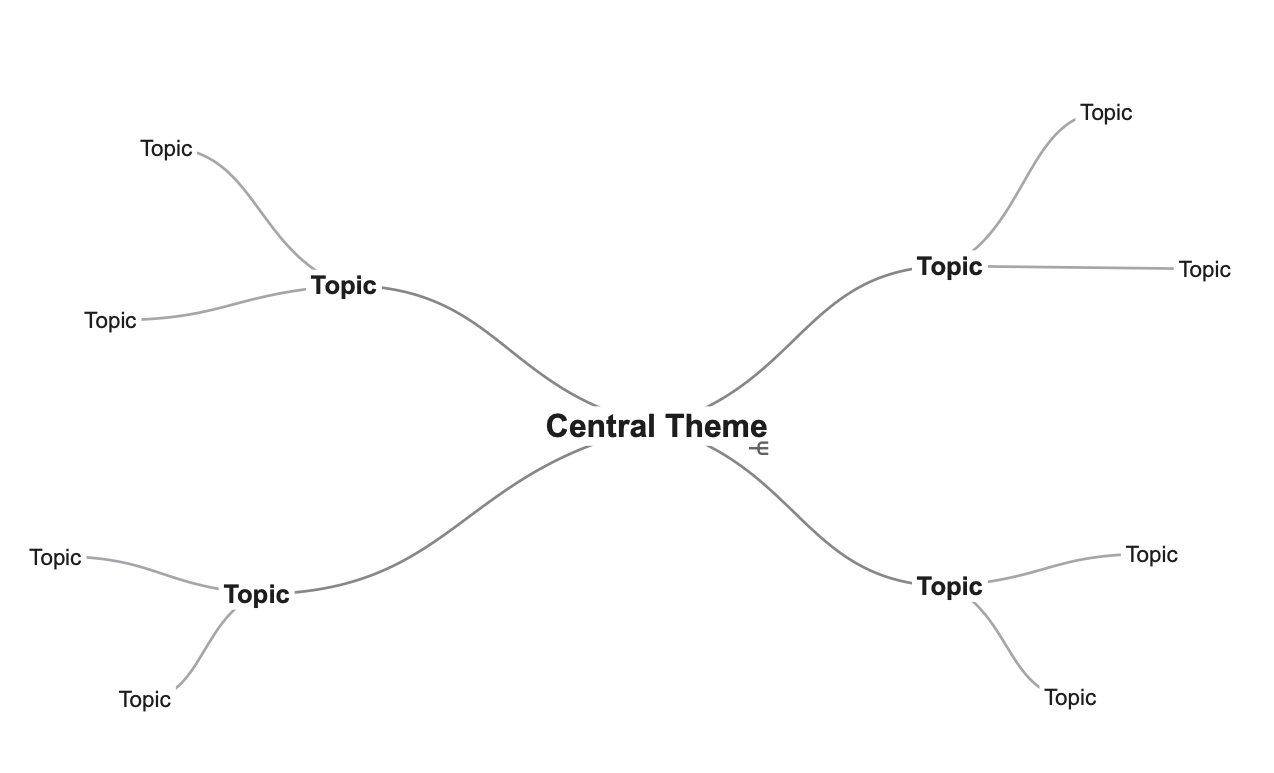
This is the same stylesheet, and the topics now have a fill color.