Relation path
A relation is the line between two topics. The relation path style can be
- curved
- straight
- rounded
- or angled.
The path style is defined in the style sheet. You can change this with a custom style sheet, via Mind Map Style or per relation. Read more about that here.
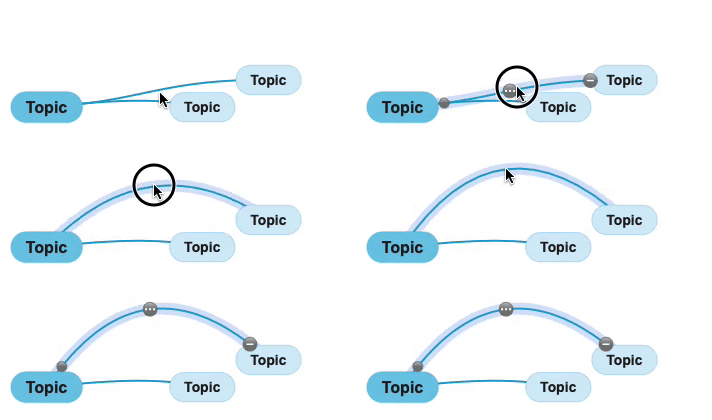
In free form layout drag a relation line to manually adjust the path. Use the relation toolbar  to clear
  the manually adjusted path. In an auto layout it's possible only to drag crosslink lines.
Note for smaller mobile devices: First enable “Draggable relation lines” in Preferences.