Version 2.10
Version 2.10.1 – Released 23 September 2026
- Service update, minor bugs fixed and improvements.
Version 2.10.0 – Released 31 August 2026
- Advanced Search: Advanced Search now available on Android.
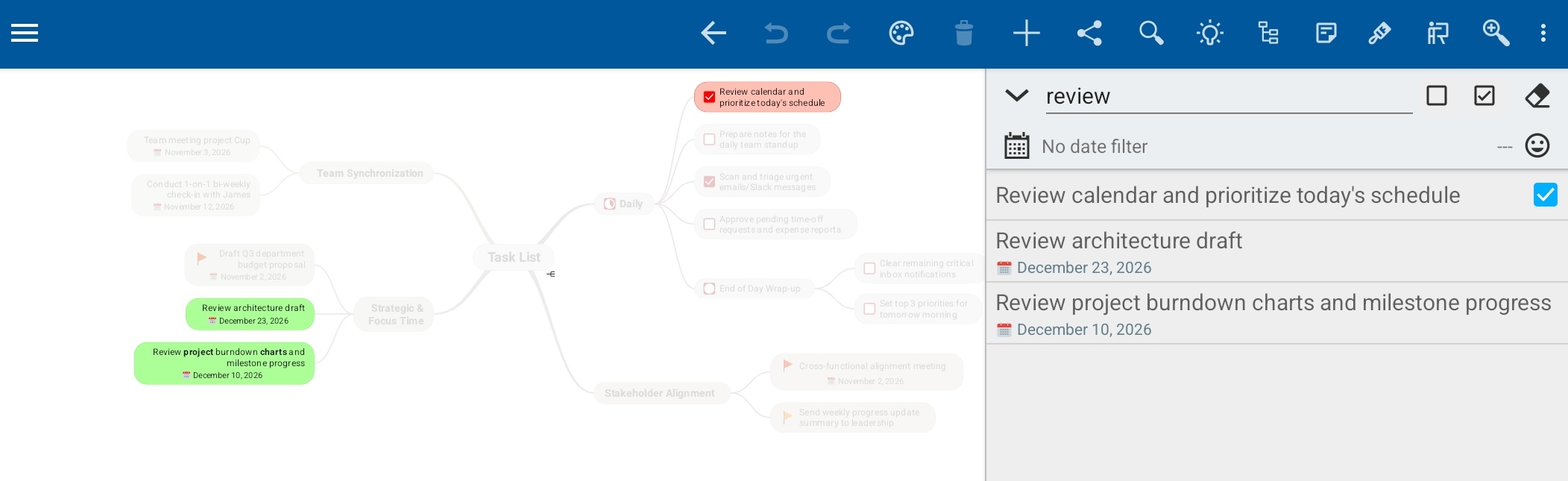
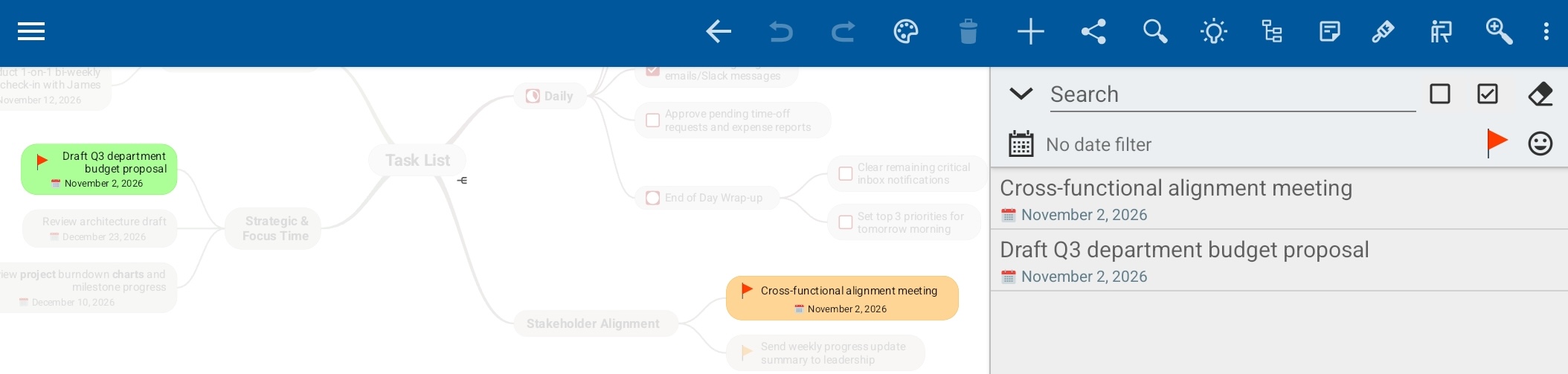
- Search in the Outline View Tablets: Search is now fully integrated in the Outline view, making it easier to see Search results and apply and combine filters.

- “Today” Date Filter: Quickly filter your mind map to show only topics assigned to today’s date.
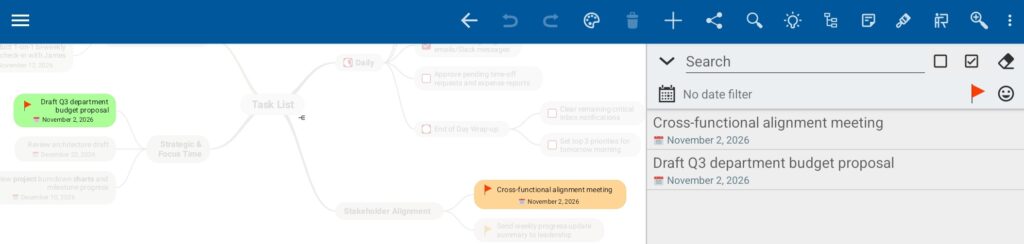
- Filter by icon: Filter your mind map to show only topics with a specific icon, such as a red flag.
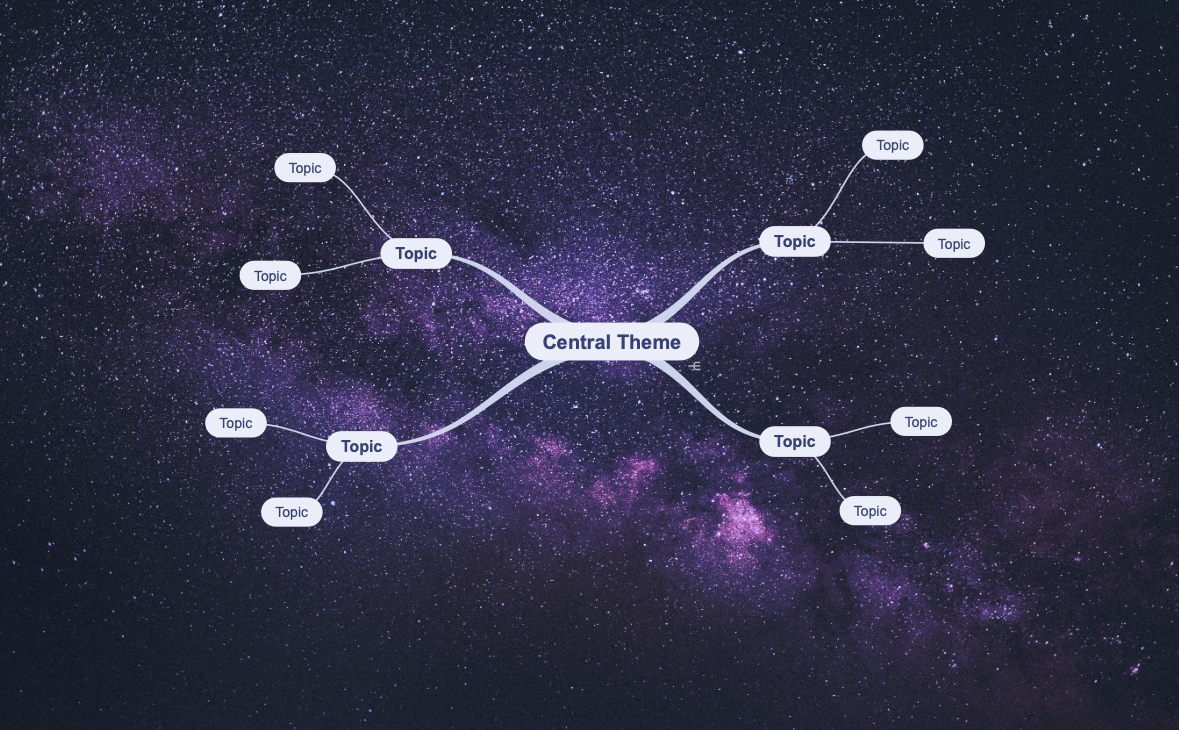
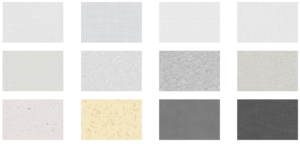
- Custom Backgrounds: Upload custom background images or patterns. Images under 1024×1024 pixels repeat; larger images scale to fit your canvas. Read more…
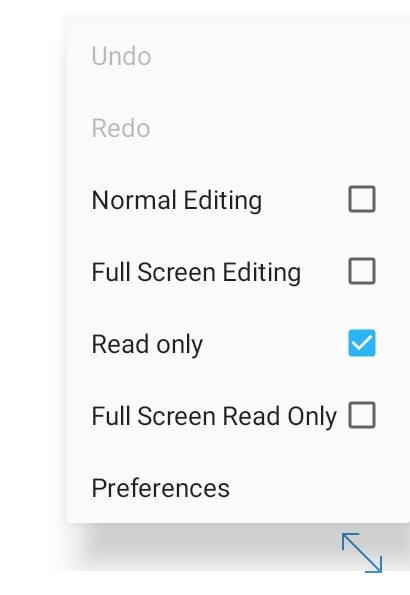
- Full Screen button on phones: Switch between full-screen and normal editing with a single tap. Long press to select read-only.
- Open Read-only: Open mind maps in read-only mode to avoid making (accidental) changes. In the Mind Map Explorer use the action button
 , next select the lock button to open in Read-only.

- Cleaner Read-only Toolbar: Unusable tools are now hidden while in read-only mode for a clutter-free view.
- Improvements and minor bug fixes.
Version 2.9
Version 2.9.2 – Released 6 May
- Compatibility update
Version 2.9.0 – Released 30 March
- Android 16 Support: Fully optimized for the latest Android release, ensuring seamless performance and compatibility.
- Background Patterns: Personalize your workspace by applying patterns via Mind Map Style. Patterns can also be added to custom stylesheets and templates.
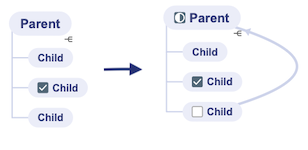
- Auto Roll-Up Detection: Progress bars can be added automatically to parent topics as soon as you add checkboxes to two or more child topics. Enable this feature in Mind Map Style.
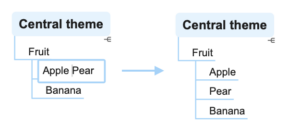
- Split topics: Use the cursor to mark where you want to split the topic and use Shift+Tab to create a new sibling topic.
- New layout defaults: In addition to setting a default layout for new mind maps, version 2.9 now supports setting a default for “Central Themes” and “Import” via Preferences.
- Improved navigation in Edit Note: Use the ∧ or ∨ button to jump instantly to the top or bottom of a note.

- Faster Checklists: Checking or unchecking a topic no longer auto-selects it. This prevents topic tools possibly overlapping other checkboxes, allowing you to quickly (un)check multiple topics in a row.
- Customize Switch to Read-only mode: When you zoom out, the mind map will switch to Read-Only to prevent unwanted edits. In this update you can adjust when SimpleMind changes to read-only, or even turn this off completely.
- Flexible Multitasking: SimpleMind now fully supports Android’s Pop-up Window and free-form modes. Effortlessly resize, minimize, or reposition your mind maps in a floating window.
- Default Word Wrap improved: Fitting text in a compacter shape.
- Improvements and minor bug fixes.
Version 2.8
Version 2.8.0 – Released 19 November
- Enhanced OPML import. Import .opml with checkboxes (checked or unchecked) for example from AI such as ChatGPT or Gemini.
- Smart Roll-Up Detection. The parent topic changes to a Roll-Up Progress Bar if all child topics have checkboxes. Apply the Smart Roll-Up per branch or mind map via the topic toolbar – Checkboxes – Smart Roll-Up.
- Improved Sibling Tool. Long-press the sibling tool to choose between Add Sibling (below topic) or Insert Sibling (above topic).
- New keyboard shortcut: Use Shift + Left/Right to quickly collapse or expand a branch.
- Optionally use high resolution images in the Editor. If you use photos of (written) text, this could be a helpful setting. Turn this on via Preferences – Image Options.
- Minor improvements and bug fixes.

Version 2.7
Version 2.7.1 – Released 21 July 2025
- Service Update: minor improvements and bug fixes.
Version 2.7.0 – Released 18 June 2025
- Android 15 support, including edge-to-edge design.
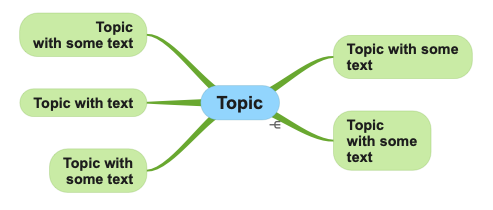
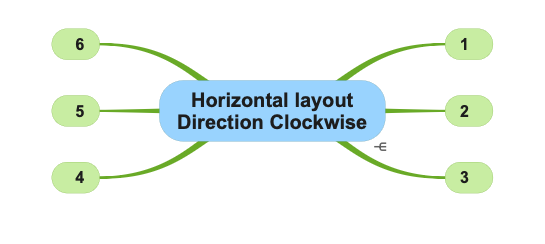
- Horizontal layout direction added: “Automatic Clockwise”.
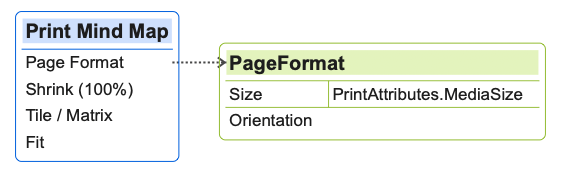
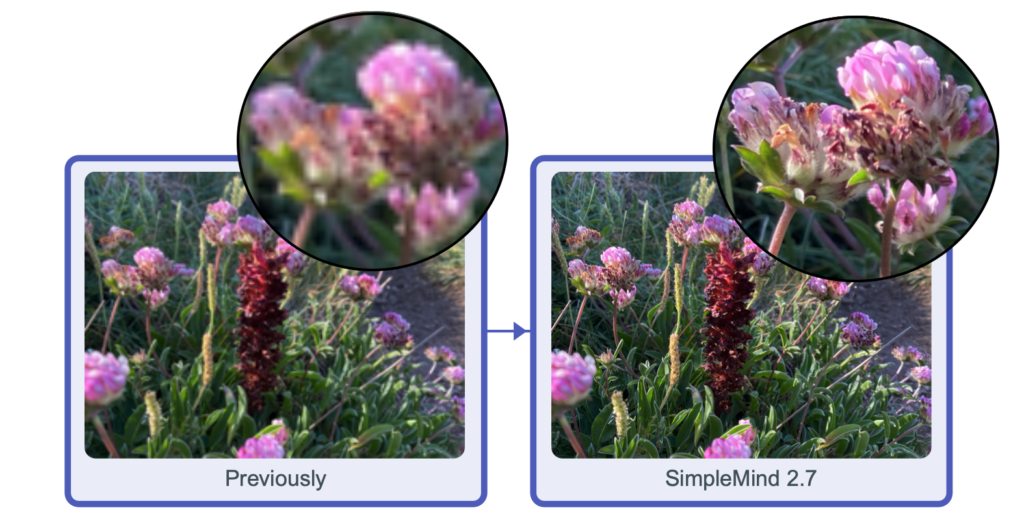
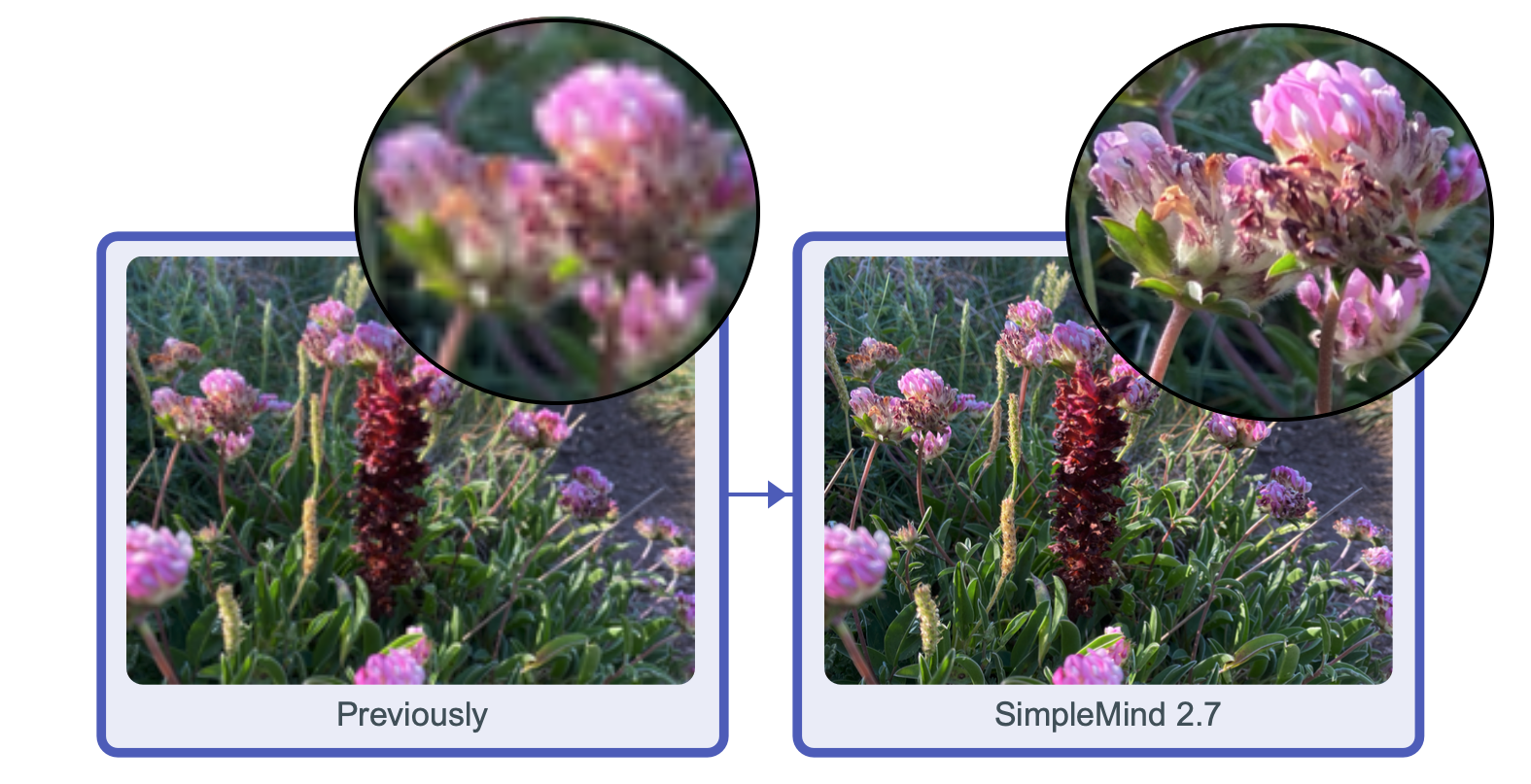
- When sharing (as .pdf and .png) and printing SimpleMind exports with high resolution images when available.
- Improvements and bug fixes.
Version 2.6
Version 2.6.1 – Released 26 March 2025
- Service Update: minor improvements and bug fixes.
Version 2.6.0 – Released 17 February 2025
- Customize the Topic Toolbar via Preferences – Topic Toolbar.
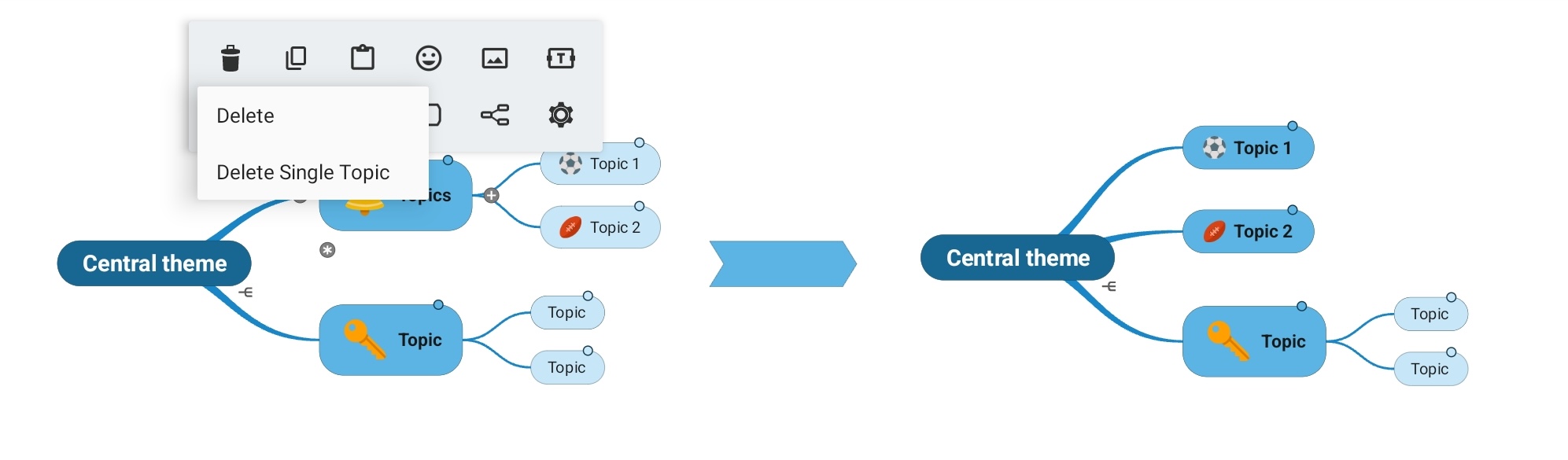
- “Delete Single Topic” added in the Topic Toolbar. Delete a single topic only, without deleting the whole branch.
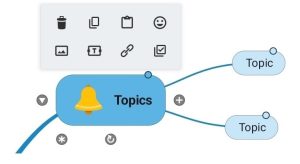
- Tinted Note Indicators, the note indicator adjusts to the color of the topic. Adjust via Mind Map Style or change in a custom stylesheet.
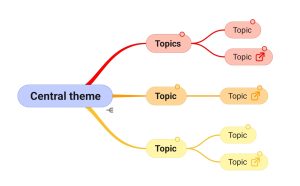
- Pasting opml improved.
- Removed access to “Accounts” requirement.
- General improvements and minor bug fixes.
Version 2.5
Version 2.5.4 – Released 21 November 2024
- Use Nextcloud and other cloud apps via the Files Explorer in SimpleMind.
Read more or see video
- Import opml, freemind and text files via the Files Explorer.
- Linking to document on device improved.
- Adding (linked) images from device improved.
- Copy mind maps from Local to Files (multiple selection) via “Copy to Cloud”.
- Improvements and bug fixes.
Version 2.5.0 – Released 25 September 2024
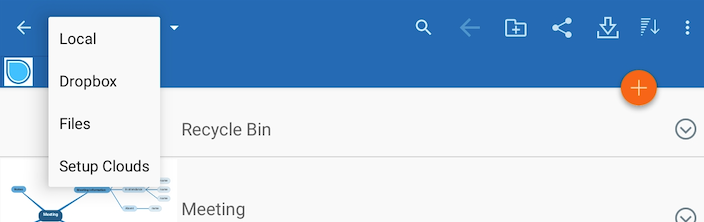
- Built-in support for Google Drive and OneDrive is no longer available. We would have loved to continue supporting Google Drive and OneDrive, but it is no longer possible. Read more…
- We’re now using the native Android way of opening and storing files so you can keep using Google Drive and OneDrive without SimpleMind having access to your cloud. Read more…
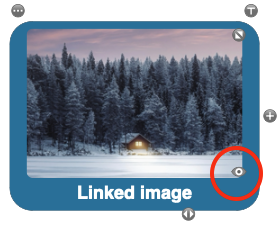
- Add a Linked Image in a Topic. Use the View tool to view the image in the larger or original size.
- Move an Image outside a Topic by using the Topic Toolbar – Image – Move Image outside topic.
- Move an Image into a Topic using the image toolbar.
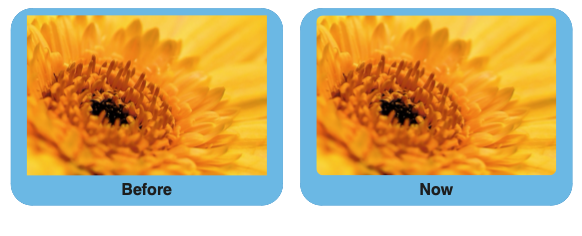
- New Images will be cropped to a rounded shape by default. You can set the default cropping via Preferences – Image Options.
- Use the mousewheel to zoom. Control+wheel scrolls up/down. Shift+wheel scrolls left/right.
Version 2.4.0 – Released 11 June 2024
- Android 14 support, minimum version now Android 8.
- Sort Children: sorts child topics alphabetically using the topic toolbar. Note: topic positions are only adjusted when in auto layout.
Version 2.3
Version 2.3.4 – Released 4 April 2024
- Service Update: many minor improvements and bug fixes.
Version 2.3.3 – Released 8 March 2024
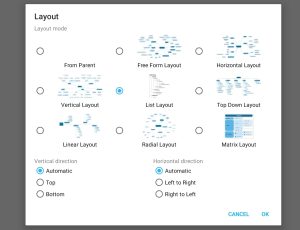
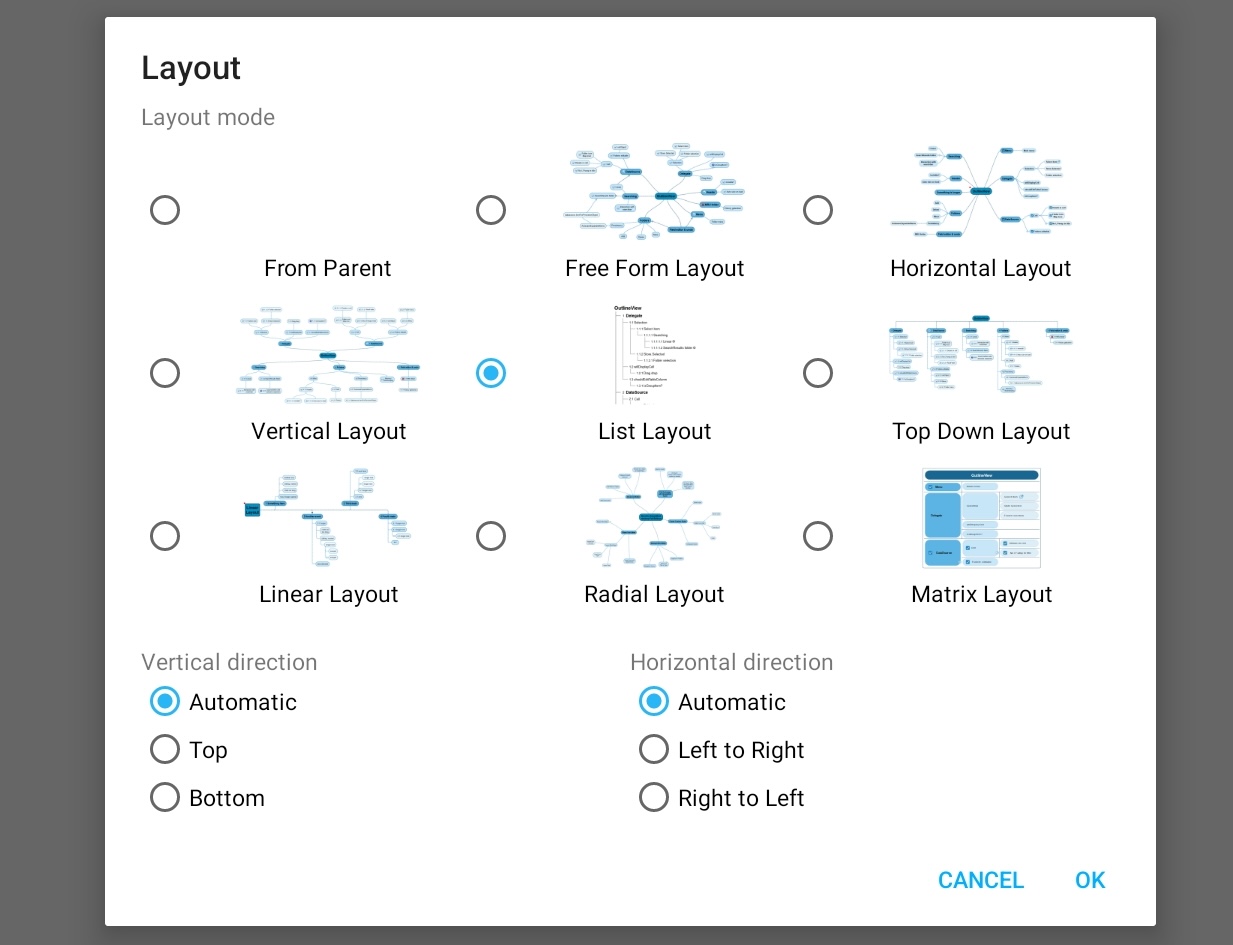
- New Layout Mode picker on tablets.
- Improved contrast in Auto Focus and Search modes.
- Compatibility problems with older Android versions fixed.
- Service Update: many minor improvements and bug fixes.
Version 2.3.0 – Released 8 January 2024
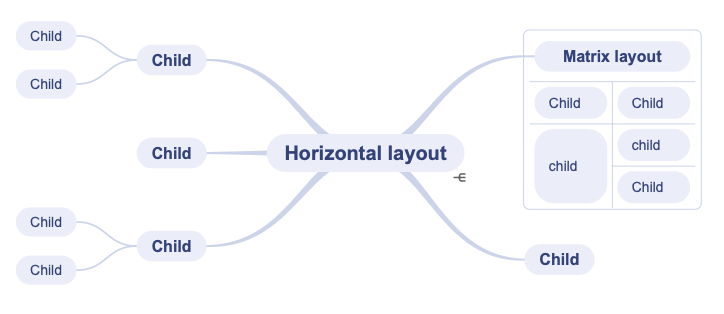
- Switch to another layout inside an auto layout. For example start in horizontal layout and switch to a linear layout. Watch the video or read more…
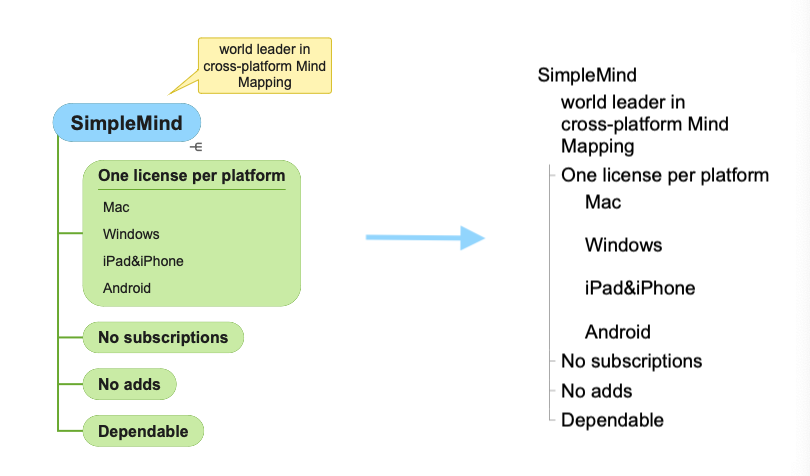
- Labels are included in outline exports and when copying as text.
- On Tablets: Note side panel available.
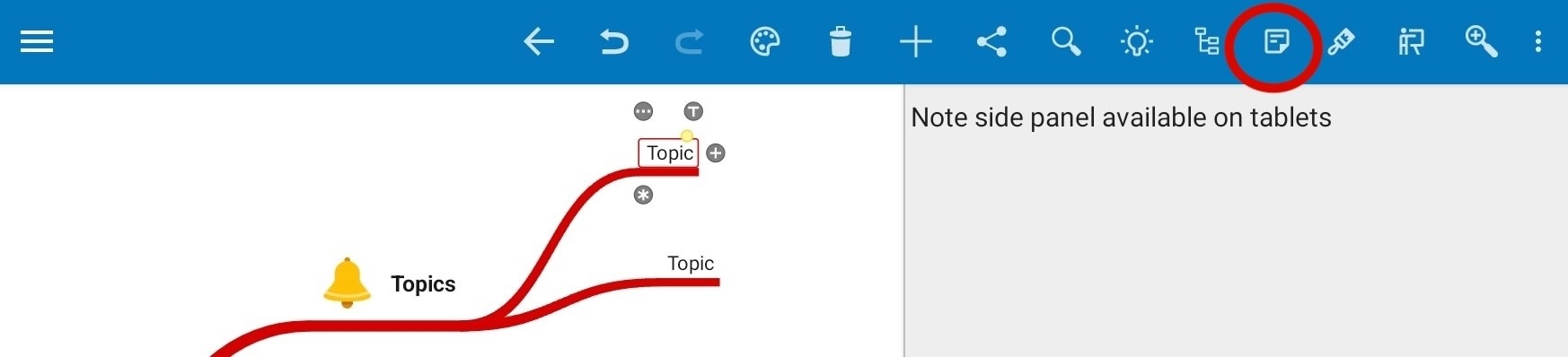
- General improvements and minor bug fixes.
Version 2.2 – Released 28 August 2023
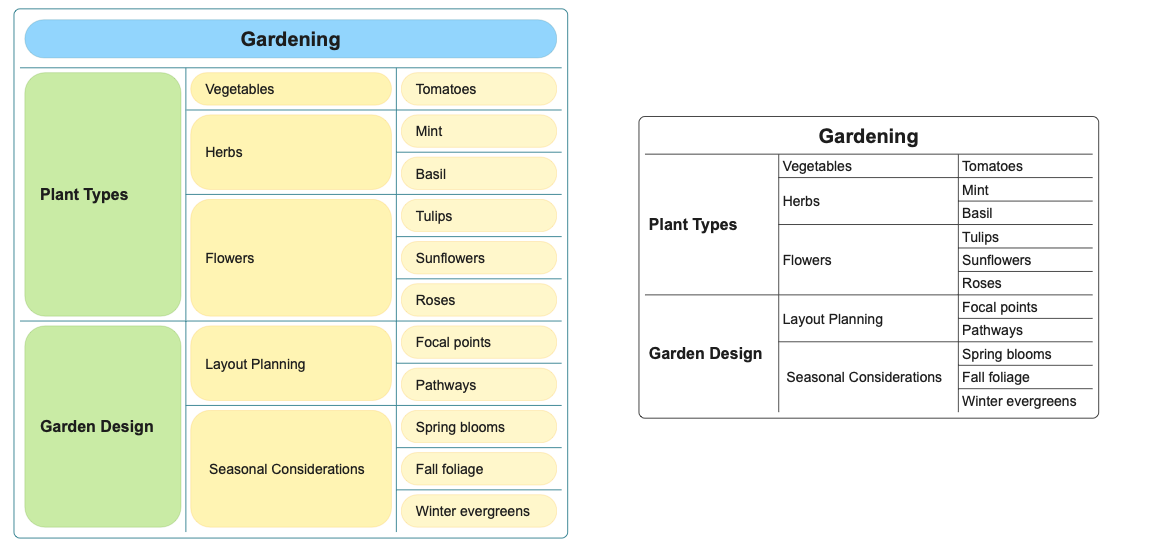
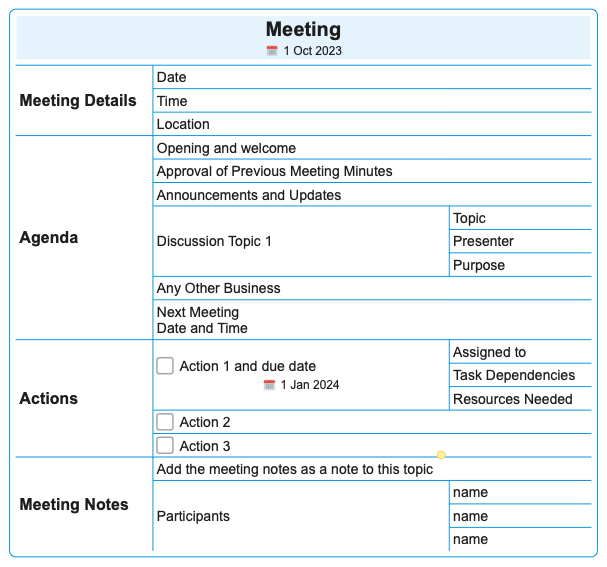
- New Matrix auto layout
- The matrix layout is ideal for compactly displaying your mind map.
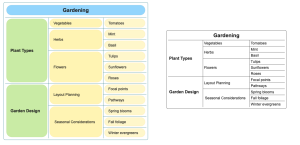
- As in all layouts you can add checkboxes, icons, links etc to the topics.
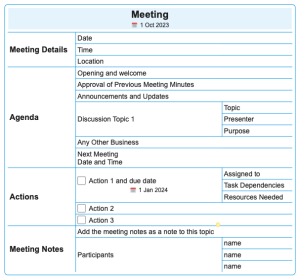
- Create multiple matrices and connect the topics with crosslinks.
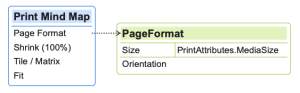
- Read how to apply a layout.
- Add Labels in Topics to add additional information inside the topic. Read more…
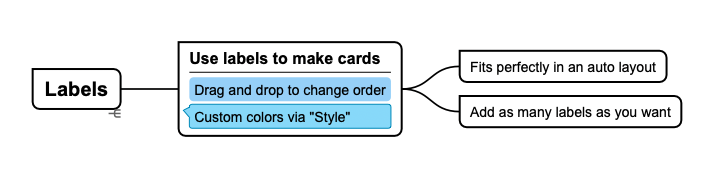
- Change the order by using drag and drop, or via the Label Toolbar.
- Automatic Left/Right Text Alignment in auto-layouts. Optionally disable this via Preferences – General.
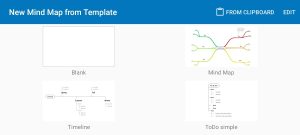
- Easily create a New Mind Map from what’s currently on your Clipboard. Select “From Clipboard” in the template picker.
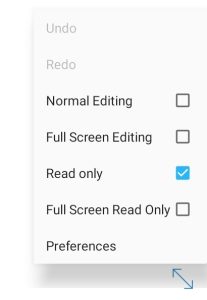
- New “read only” mode that shows all toolbars. Switch to a different mind map and remain in “Read only” mode to avoid unwanted edits.
Phones: access the command via the menu. Tablets: Use the blue arrow in the bottom corner.
- Android 13 supported
- Turkish Language supported.
- General improvements and minor bug fixes.