We’ve just released the new 2.9 update of SimpleMind with a lot of new features.
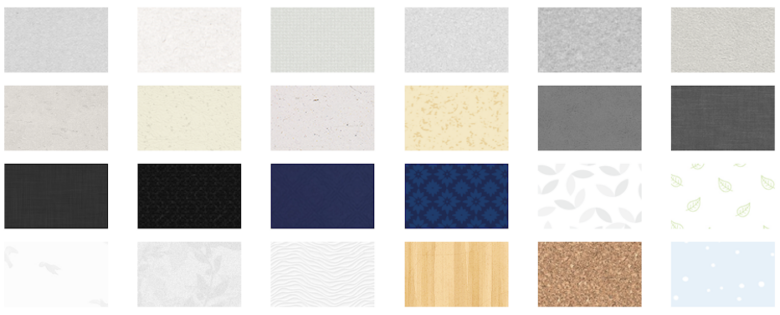
In this update, we’re introducing background patterns. You can find these under Mind Map Style—just select a pattern the same way you’d choose a background color. To keep your look consistent, you can also add these patterns to a custom stylesheet or save them directly into your favorite templates.
We’ve also added Auto Roll-Up Detection. When this is enabled, progress bars are automatically added to a parent topic as soon as you add checkboxes to two or more child topics. It’s a great way to skip manually applying “smart Roll-Up Detection”.
Version 2.9 also brings splitting existing topics. Just place your cursor at the desired split point and press Shift + Tab to instantly create a new sibling topic.
If you’re using the Mac, Windows, or iOS versions, you can now extract text to create new topics. Simply select a portion of your text and use the extract tool to turn it into a new sibling, child, or parent topic.
In addition to setting a default layout for new mind maps, this version also supports setting a default for “new central themes” and “Import”, giving you more control over how every project starts.
SimpleMind for Android is now fully optimized for the latest Android 16 release, ensuring seamless performance and compatibility.
Check out the links below to explore the full list of platform-specific updates!
SimpleMind Pro for Mac
SimpleMind Pro for Windows
SimpleMind Pro for iPad&iPhone
SimpleMind Pro for Android
